




Oscarspin App
The Oscarspin app provides consistent access to our full-featured platform through mobile and desktop browsers. It mirrors the core functionality of the main site, including deposits, withdrawals, the verification process, and real-money gameplay, while adapting to a wide range of screen formats.
Designed with usability in mind, the mobile interface supports gesture-based navigation, clear layout, and stable performance on both iOS and Android. Players can open online slots, browse promotions, and reach the Support Team or live chat without switching devices or losing session data. For improved access, the Oscarspin casino can be pinned to the home screen as a shortcut, creating an app-style entry point that opens in a streamlined, focused view.
No store download is required. The Oscar Spin app runs directly in the browser while maintaining encrypted communication, payment compatibility, and full integration with account settings and responsible gaming experience tools.



Key Features of the Oscarspin Mobile Casino
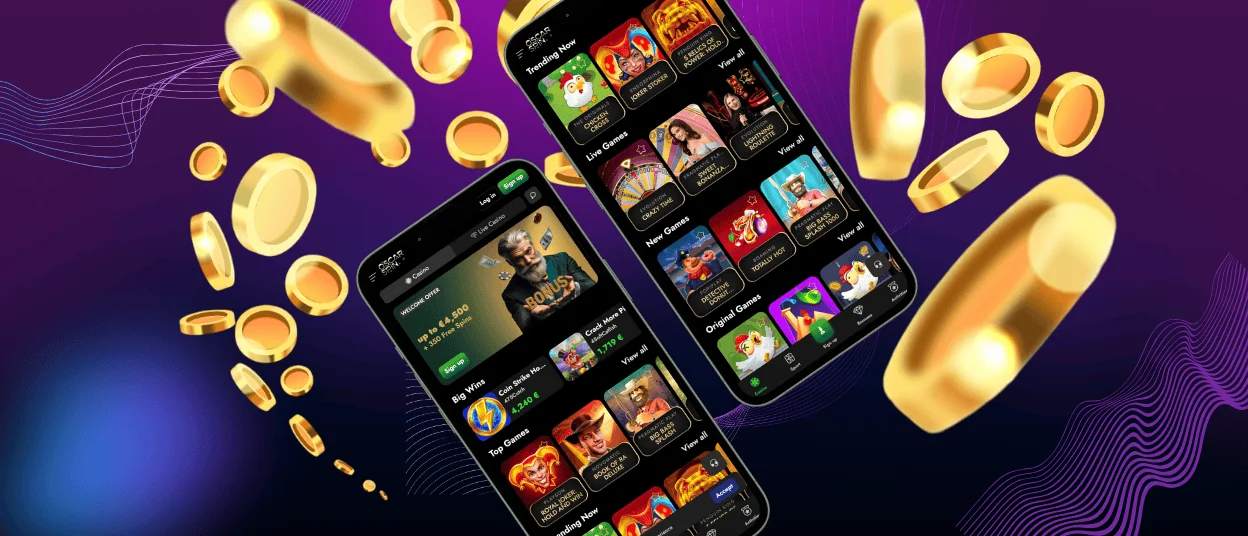
Oscarspin mobile casino is designed to deliver a complete gaming experience directly in your browser, with no installation required. Whether you’re playing on Android or iOS, the interface adapts to smaller screens without losing access to essential functions like the cashier, promotions, and live chat support.
Navigation is fully touch-optimised, with game categories, filters, and recent activity always within reach. The layout is structured to minimise steps and keep everything visible as you move between sections. Core tools such as bonus activation and account settings remain active in the mobile view, allowing you to manage your session without switching devices.
Key advantages of the mobile version include:
- Fast loading interface with access to all online slots and live tables;
- One-tap access by placing a shortcut on your home screen;
- Auto-adjustment to screen orientation, including portrait and landscape;
- Seamless account sync, letting you continue play between phone and desktop;
- Integrated support access, including live chat from any screen;
- Encrypted payments and secure verification process on mobile.
This version replicates the desktop flow while being better suited for quick sessions, travel, or multi-device use. Everything is built to keep your gaming experience consistent, whether you’re at home or on the move.
Oscarspin Mobile Application for Android
Oscarspin app for Android is available directly through your mobile browser and can be added to your home screen in just a few taps. The interface is adapted for small screens, offering fast access to online slots, live tables, promotions, cashier tools, and account settings. No store download is needed — the app runs reliably from your browser while keeping all key features within reach.
To add the Oscar Spin app to your Android home screen:
- Open the official Oscarspin casino site in Chrome or your main browser
- Scroll to the bottom of the homepage
- Tap the “Casino App” button when it appears
- Select “Add to Home screen” or “Install App”
- Confirm the action to create the Oscarspin app shortcut
Once installed, simply tap the new icon to log in and continue playing. Your account stays synced, and push notifications can be enabled for real-time updates on bonuses, tournaments, and account events.
To keep your sessions secure, we recommend installing the app only via the prompt shown on the official site and keeping your browser up to date. Your game history, balance, and favourites remain connected throughout.
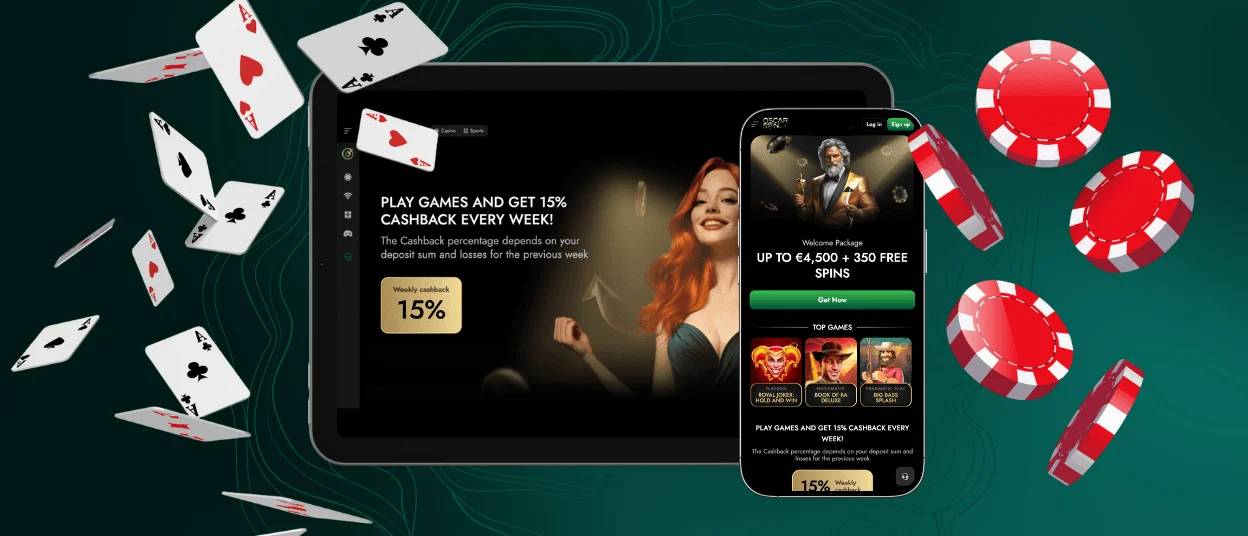
Oscarspin Casino Application on iOS
Oscarspin app for iOS offers a smooth and reliable casino interface directly in Safari. Without requiring any download from the App Store, you can launch the mobile casino in a full-screen, app-style window from your iPhone or iPad. The structure is touch-optimized, and all essential features — online slots, live games, promotions, cashier, and live chat — remain accessible with fast loading and seamless navigation.
To add the Oscar Spin app to your iPhone or iPad:
- Open Safari and visit the official Oscar Spin casino site
- Scroll to the bottom of the page and tap the “Casino App” banner
- In the Safari menu, select “Add to Home Screen”
- Confirm the shortcut name and tap Add
The shortcut will appear on your home screen and launch Oscar Spin in a clean interface, hiding browser elements for a focused gaming experience. Game progress, bonuses, and payment tools stay fully synced between mobile and desktop.
On iPad, the interface automatically adjusts to landscape view, offering more space for browsing and easier control during live tables or bonus activation. Whether using a phone or tablet, you get full functionality with secure access to all account tools and real-time notifications where supported.
Oscarspin Casino Application for Windows/macOS
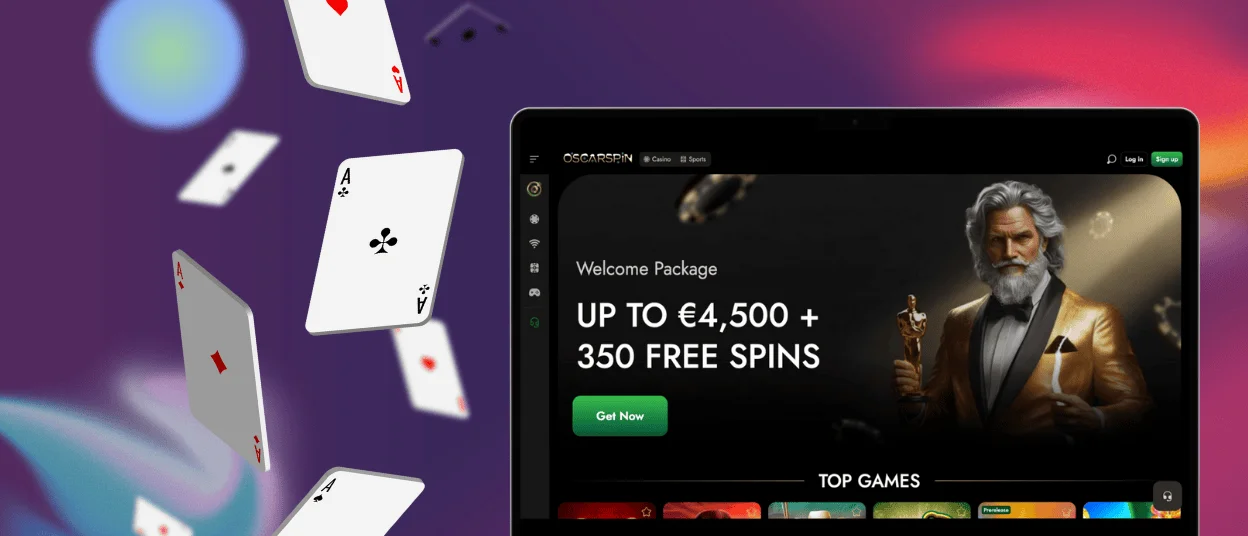
Oscarspin casino runs smoothly in modern browsers on both Windows and macOS, giving you full access to the platform without requiring any installation. Once logged in, players can access the complete lobby, launch slots and live games, manage deposits and withdrawals, and contact the Support Team — all within a stable desktop environment. The interface makes efficient use of larger screens, offering more visible game previews, fixed navigation elements, and quick access to promotional tools or responsible gaming settings. Multi-window support also makes it easy to keep the cashier, tournament page, or terms open alongside active games.
For players who prefer desktop play, this setup delivers longer, uninterrupted sessions with minimal load times. You can even create a browser-based shortcut on your desktop for one-click access to Oscar Spin, which opens the platform in a focused window — ideal for those who enjoy playing in a dedicated, distraction-free space.
Frequently Asked Questions (FAQs)
Is there a dedicated Oscar Spin app available for download on Android or iOS?
Oscarspin is offered as a Progressive Web App (PWA) rather than a downloadable app from Google Play or the App Store. This format allows you to install a shortcut directly from your mobile browser, creating an app‑style icon that opens Oscar Spin in a clean, full‑screen window. The PWA keeps all core features accessible — including online slots, Live Casino, the cashier, and support — while relying on your browser for updates instead of a traditional installation.
Does the Oscarspin app work on older Android or iOS devices?
The Oscarspin PWA is designed to run on a wide range of modern mobile browsers, so most devices that support an up‑to‑date version of Chrome, Safari, or a comparable browser will handle it without issues. Performance is primarily determined by the device’s ability to process web content smoothly, rather than by OS‑specific app requirements.
Older devices may require a current browser version to ensure proper loading of games, secure payments, and stable navigation. Keeping both the browser and system software updated generally improves responsiveness and compatibility.
Can I use biometric login (Face ID or fingerprint) with the Oscarspin app?
Biometric access works through your mobile browser’s built‑in password manager. Once you save your credentials in Safari or Chrome, the browser can request Face ID, Touch ID, or fingerprint verification when filling in your login details. This allows quick and secure access to Oscarspin without storing sensitive information inside the PWA itself.
Can I switch between devices without losing my progress or settings?
Oscarspin keeps your balance, bonuses, limits, and account settings linked to your profile, so everything stays synchronized when you move between phone, tablet, and desktop. Once you sign in, your activity history and saved preferences appear immediately, regardless of the device.
This setup is particularly useful for sessions where you begin on one platform and continue on another — for example, browsing games on mobile and later returning to the same titles on desktop with the same account state carried over.
How much storage does the Oscar Spin app require on my device?
The Oscarspin PWA does not install as a traditional application and therefore takes up minimal storage. The home‑screen icon simply opens the mobile version in a dedicated window. Any space used comes mainly from normal browser data such as cached images and temporary game files, which can be cleared at any time through your browser settings.


